Configuration
Setup Credentials
In order to setup the module, first create a new integration in Magento Admin.
To do that follow these steps:
Go to System > Integrations in the admin panel.
Then click in Add New Integration
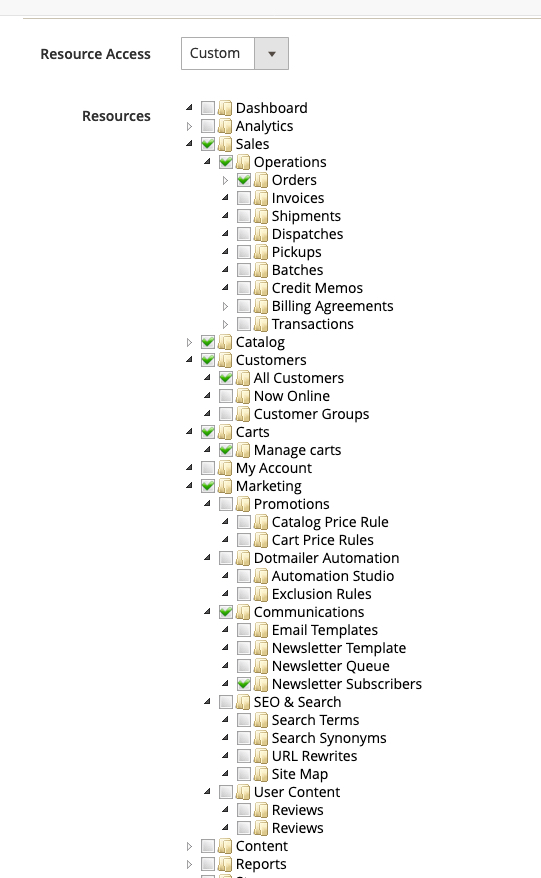
Setup the new integration, and in the API tab set the permissions at least with the ones displayed in the image below.
Then click on Save button and in the list click in the Activate link.
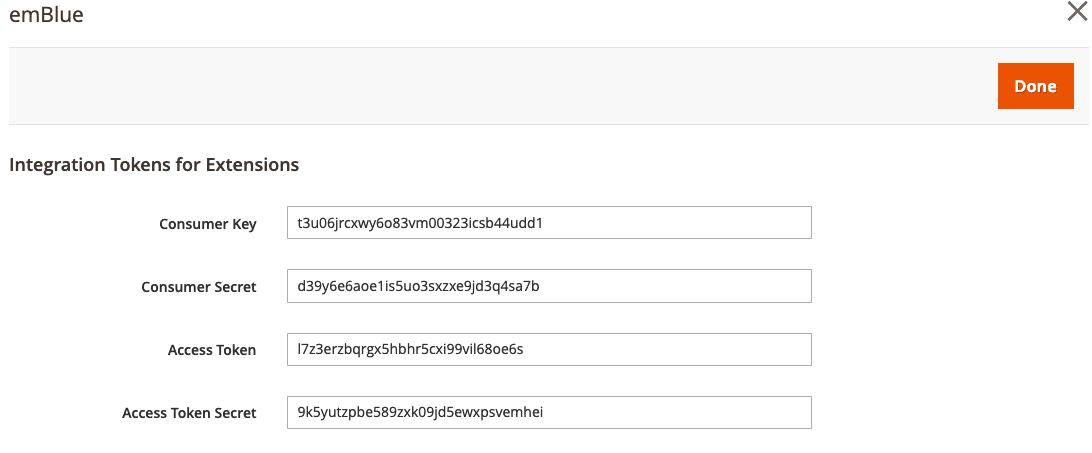
Get the credentials list and set that up in the emBlue panel
Map Attributes
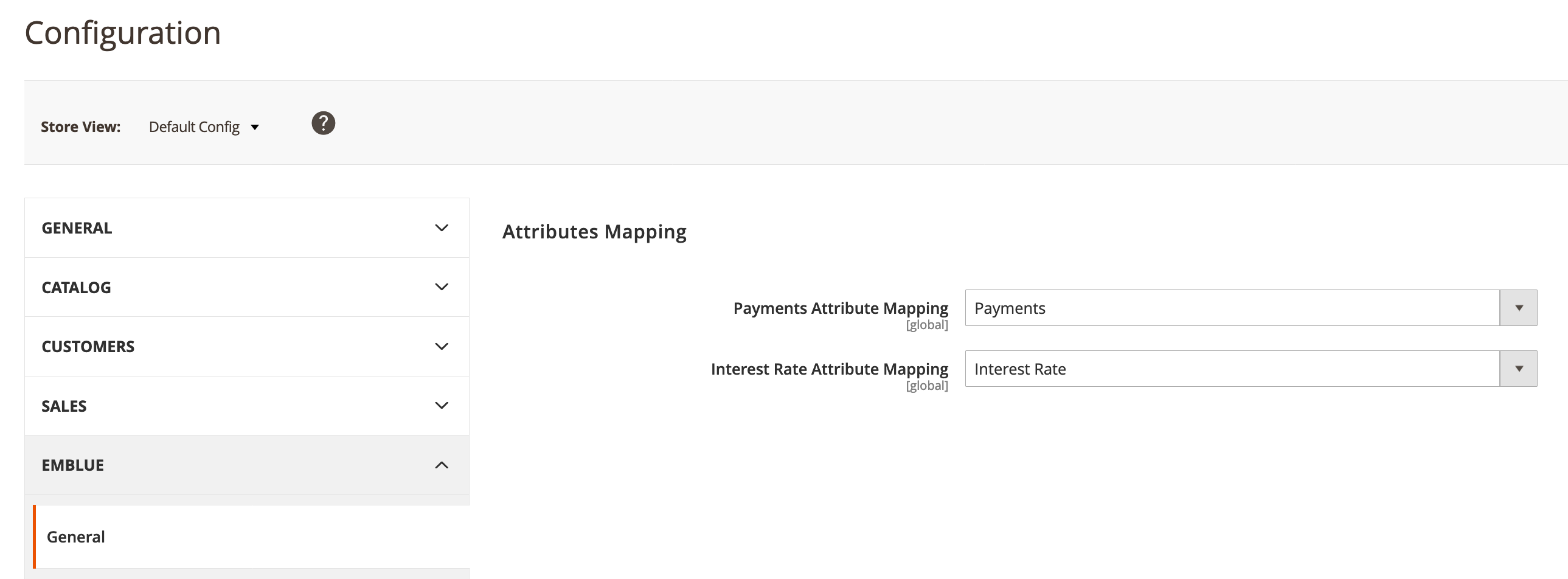
Emblue needs payments and interest rate in some scenarios, and since those attributes are not part Magento installation you need to setup to correct attribute mapping for those values.
In order to do so, you have enter to Store > Configuration and then Emblue > General
There you have to select which attribute maps to payments and interest rate respectively: